Free resource for website owners, developers and agencies
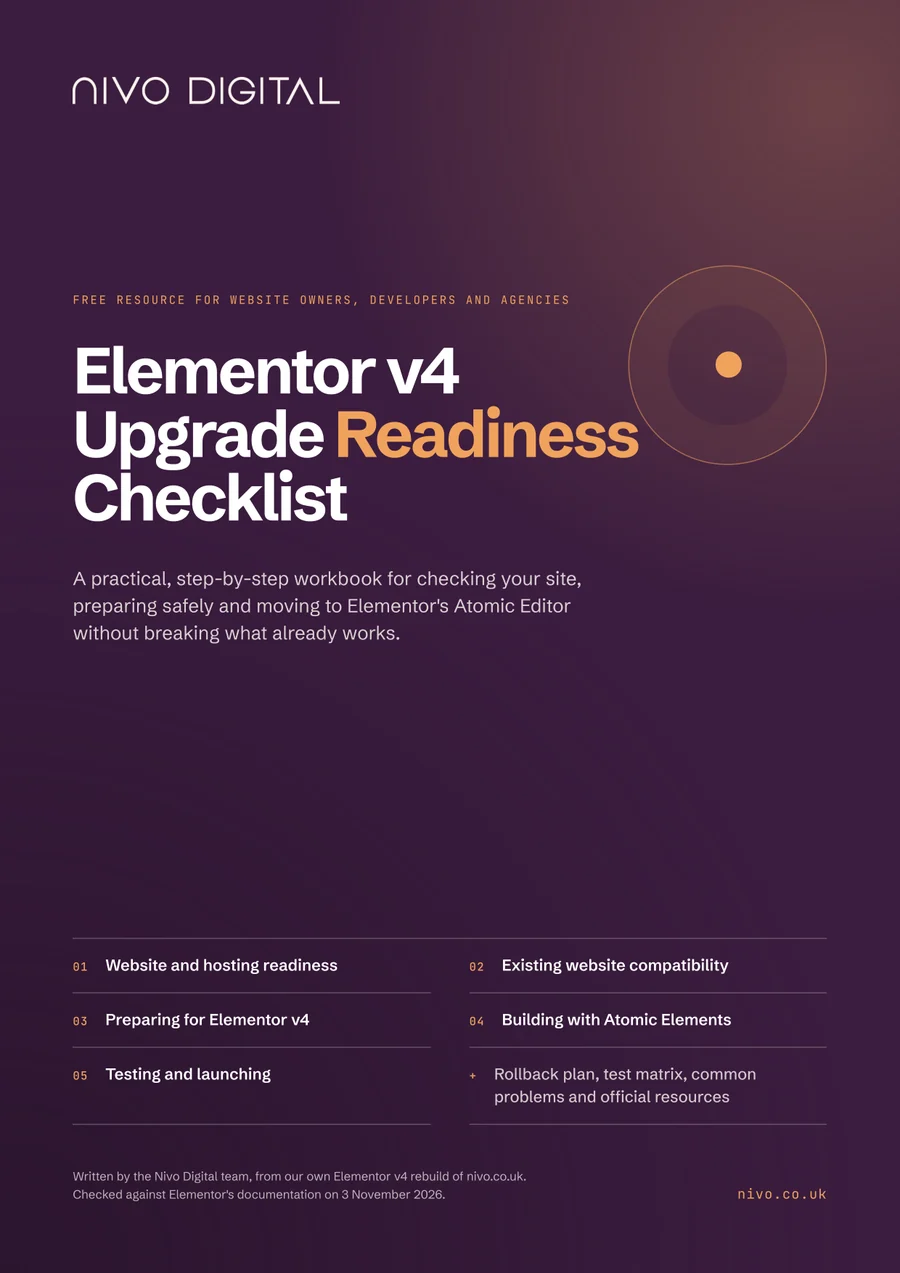
A practical, step-by-step workbook for checking your site, preparing safely and moving to Elementor's Atomic Editor without breaking what already works.
It takes website owners, designers and agencies through five stages, in the order we'd do them: from checking your hosting and add-ons to testing on staging and going live. It's based on our own Elementor v4 rebuild of nivo.co.uk and on Elementor's documentation.
What's included
Each stage explains what to check and why, with tick boxes, where to find each setting in WordPress and space to record what you find. The boxes and note areas can be filled in on screen in most PDF readers, or printed. Prefer the short version first? Read our guide, What should be on your Elementor v4 upgrade checklist?
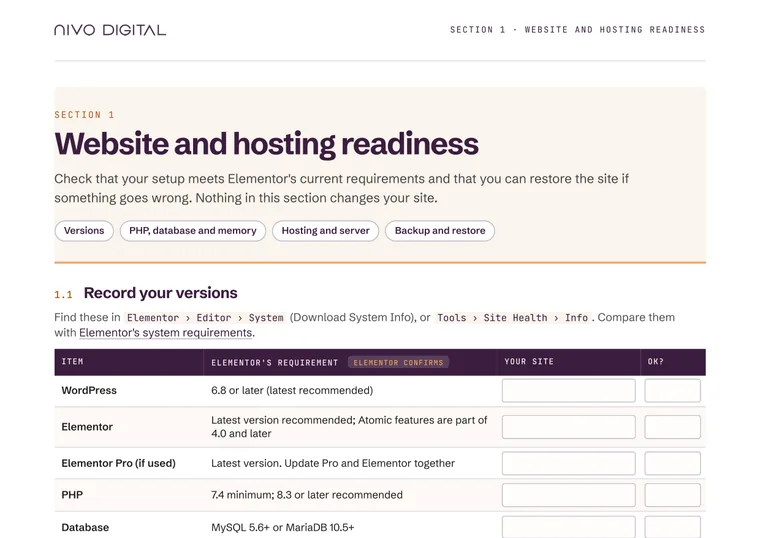
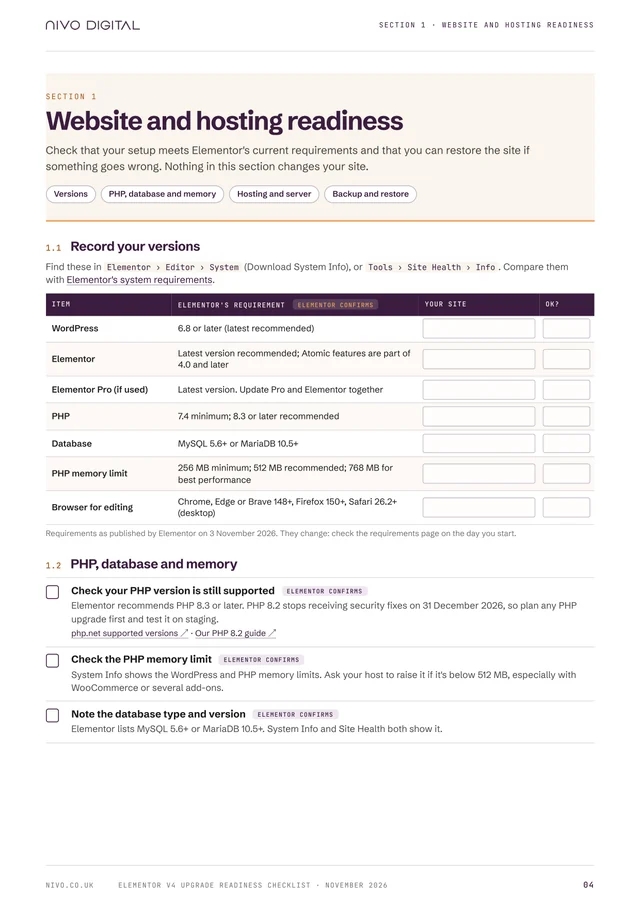
Check that your setup meets Elementor's current requirements and that you can restore the site if something goes wrong.
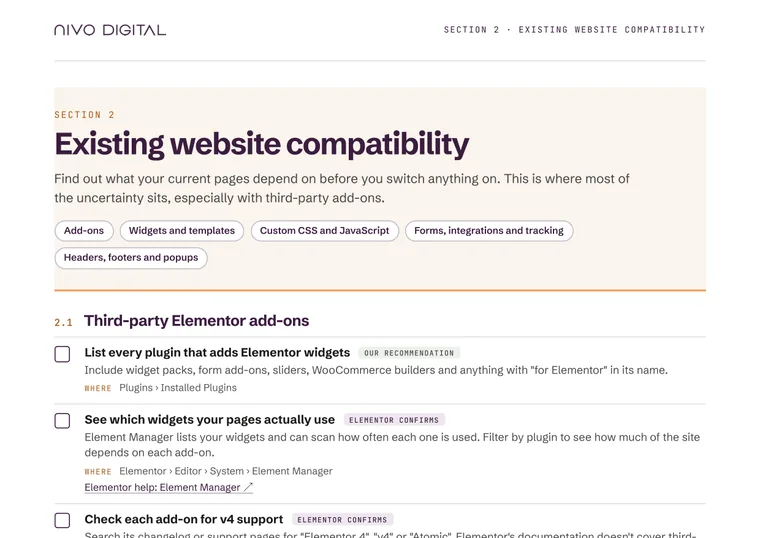
Find out what your current pages depend on before you switch anything on.
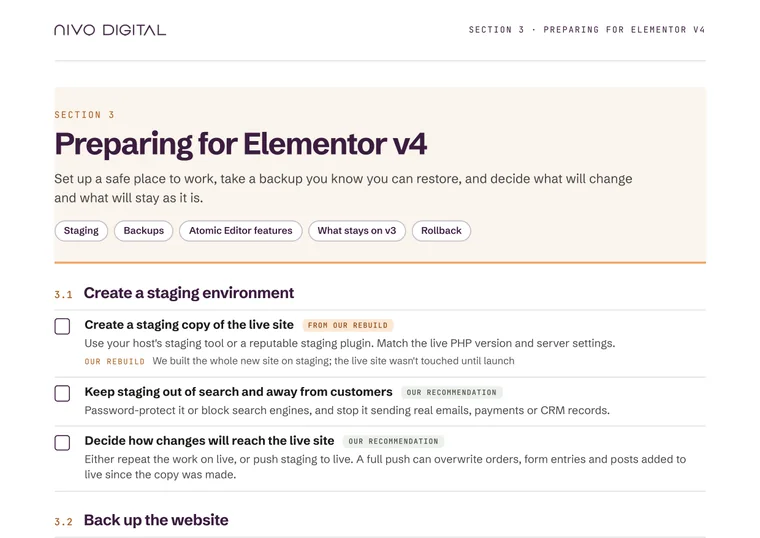
Set up a safe place to work, take a backup you know you can restore, and decide what will change and what will stay as it is.
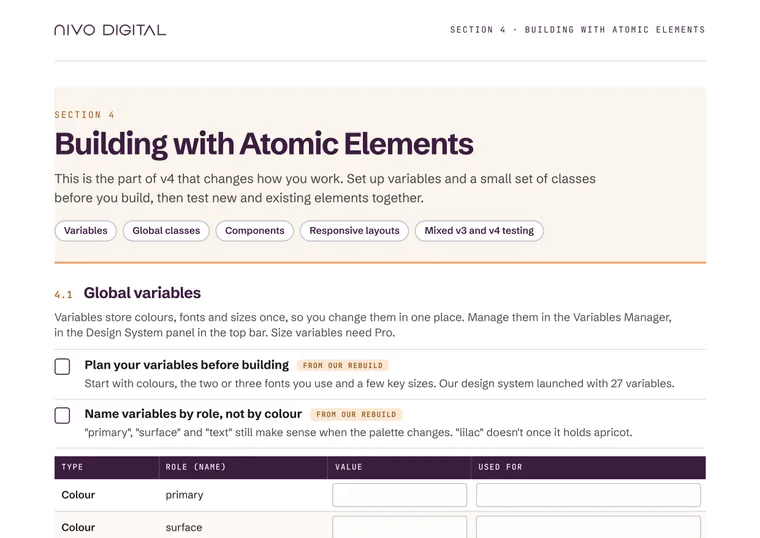
Set up variables and a small set of classes before you build, then test new and existing elements together.
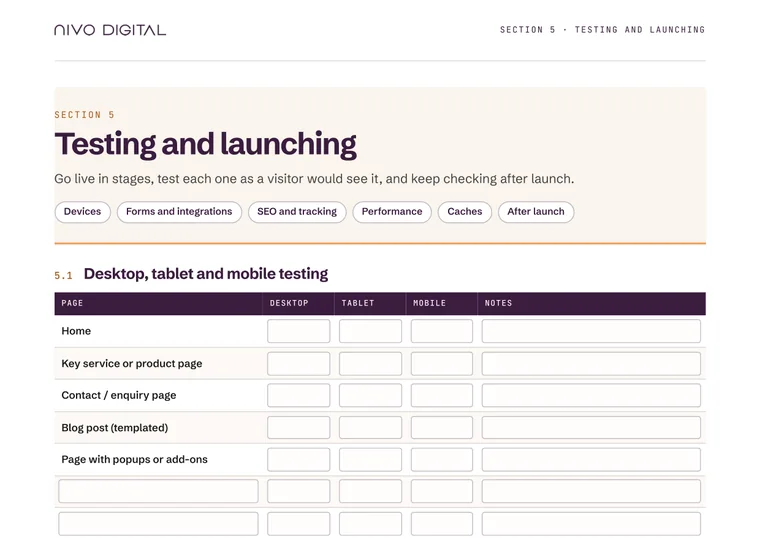
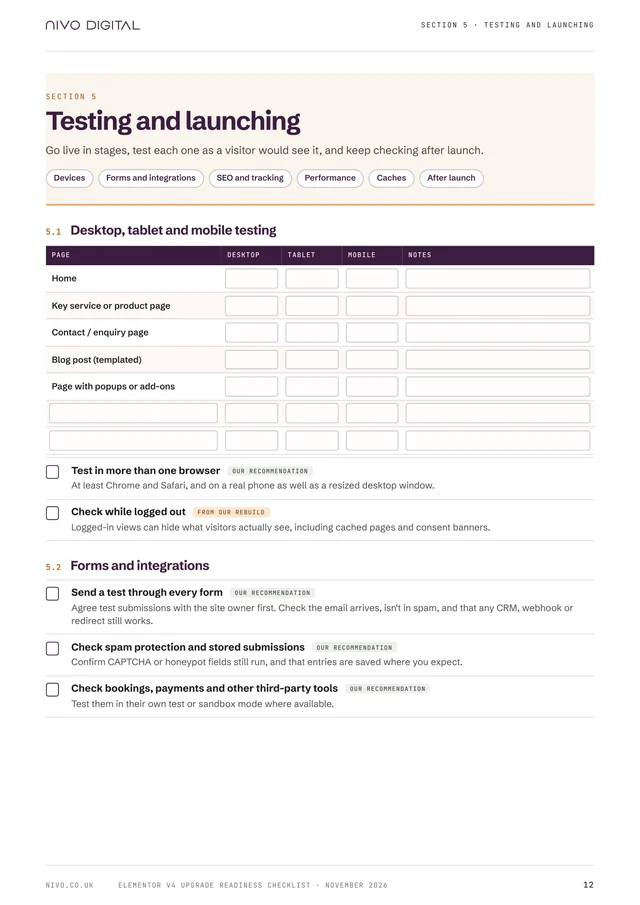
Go live in stages, test each one as a visitor would see it, and keep checking after launch.
A rollback plan, a desktop, tablet and mobile test matrix, common problems and how to prepare for them, official resources and a sign-off sheet. All in the same 16-page PDF.
Download free checklist ↓Also in the checklist
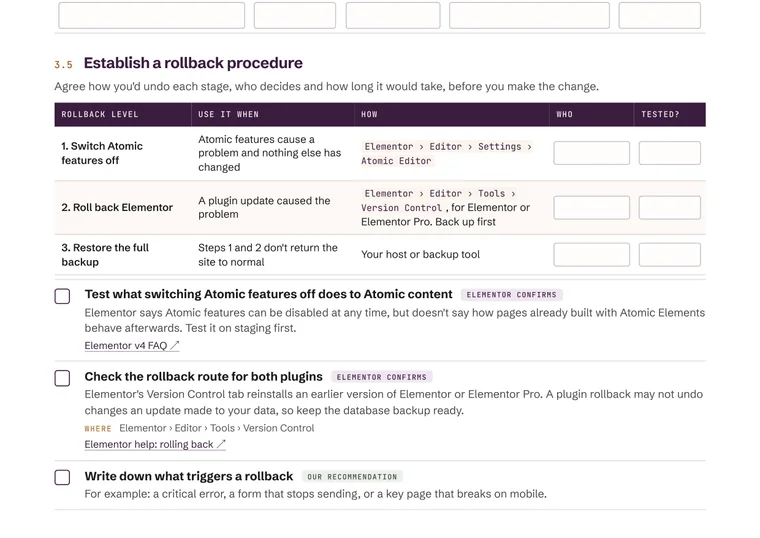
Agree how you'd undo each stage, who decides and how long it would take, before you make the change.
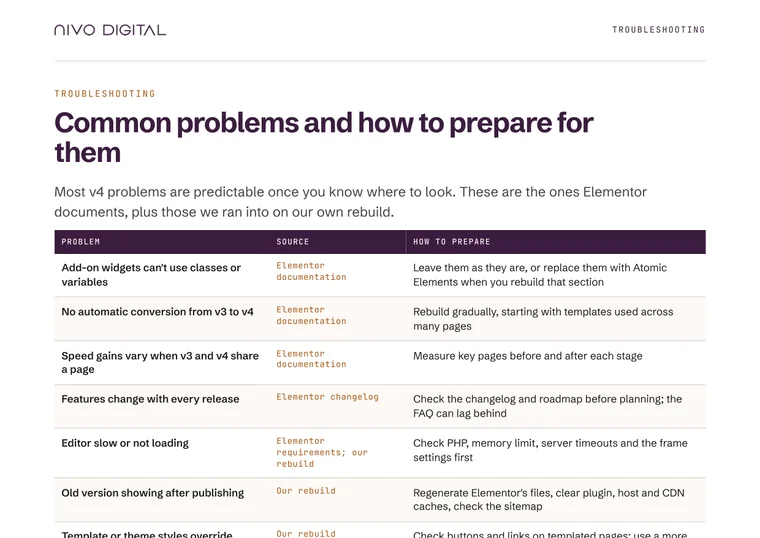
The problems Elementor documents, plus those we ran into on our own rebuild, and how to prepare for each.
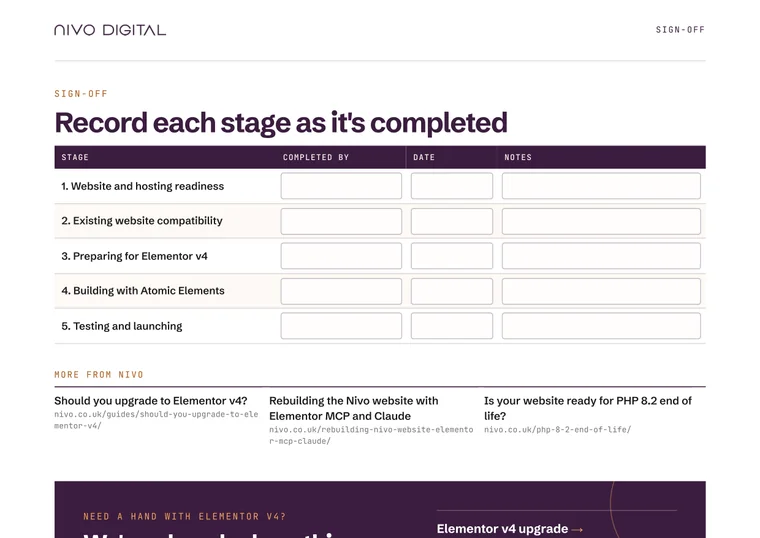
Record who completed each stage and when, with space for notes.
How to use the checklist, and what each label means
What we learnt rebuilding nivo.co.uk on Elementor v4
Desktop, tablet and mobile test matrix
Official resources: links to Elementor's documentation, checked on 3 November 2026
Taken from Elementor's own documentation, changelog or roadmap, with links so you can confirm the current position.
What happened when we rebuilt nivo.co.uk on Elementor v4. Ours was a fresh rebuild, not a migration of an existing v3 site.
General good practice from our experience of Elementor projects. Not an Elementor statement.
Who it's for
Whether you look after one website or fifty, the checklist gives you the same order of work, so nothing gets missed before your live site changes.
See what to check before you switch on Atomic features, and what to ask your web team or host.
A structured run-through of hosting, add-ons, custom code and templates, with a test matrix for staging and launch.
A repeatable process for the Elementor sites you manage, with a sign-off sheet to share with each client.
Sharing
Agencies and freelancers are welcome to share the checklist with their clients. Please credit Nivo Digital and include a link to this page, so people can always find the latest version.
Suggested creditElementor v4 Upgrade Readiness Checklist by Nivo Digital — https://nivo.co.uk/elementor-v4-readiness-checklist/
3 November 2026
Checked against Elementor's documentation on 3 November 2026. Elementor releases updates often, so confirm current requirements before you start each stage.
Version 1.0 · November 2026Who wrote it
Written by the Nivo Digital team, from our own Elementor v4 rebuild of nivo.co.uk, which launched in October 2026. Ours was a fresh rebuild on v4 rather than an upgrade of an existing v3 site, and the checklist says where that makes a difference. Read how we rebuilt it.
Related resources
What changes in v4, and how to decide whether and when to move.
Read more →The project this checklist is based on.
Read more →What we found when we tested 363 UK Elementor websites.
Read more →Check your PHP version before you plan the upgrade.
Read more →Have the checks, staging work and rebuild planned and done for you.
View the service →Free · No form · No sign-up
Download the 16-page checklist and work through it on a staging copy of your site. And if you'd rather have it planned and done for you, our Elementor v4 upgrade service covers the checks, the staging work and the rebuild.
