
Sign 01
You don't know what v4 means for you
You're not sure whether your site is affected, what could break or whether you need to do anything yet.
Elementor v4 is built to make your site faster and easier to update. You don’t need to switch straight away, because your current pages will keep working while you plan. When you’re ready, we’ll check what your site relies on and upgrade it one stage at a time.
Elementor v3 markup
Elementor v4 markup
Why now
Elementor v4 is where the builder is heading, and these are usually the first signs your site needs a plan.
Sign 01
You're not sure whether your site is affected, what could break or whether you need to do anything yet.
Sign 02
Third-party widgets may not support v4 yet, and your key pages depend on them.
Sign 03
Layouts built from nested sections and columns carry extra code that slows pages down.
Sign 04
Colours and fonts are set page by page, so every change means hunting through the site.
Should you upgrade?
Elementor v4 changes how your pages are built. Instead of styling each page separately, you set your colours, fonts and spacing once, and they apply everywhere, making the code behind each page leaner.
You don’t need to rebuild your pages overnight. The key is knowing which add-ons, templates and custom code are affected, then upgrading in an order that keeps your site working.
Planned properly, the upgrade leaves you with a faster site that’s easier to manage.
Page markup
Elementor v3
Elementor v4
<section class="elementor-section">
<div class="elementor-container">
<div class="elementor-column">
<div class="elementor-widget-wrap">
<div class="elementor-widget">
<div class="elementor-widget-container">
<h2 class="elementor-heading-title">Your heading</h2>
</div></div></div></div></div></section>
<div class="e-con">
<h2 class="e-heading-base">Your heading</h2>
</div>
Wrappers around one heading
6
1
How we approach an upgrade
What's included
Every site starts in a different place, so your upgrade depends on what we find. These are the usual parts of the work.
01
We check your Elementor, Elementor Pro, theme and add-on versions against v4, so you know what’s affected before anything changes.
02
Brand colours, fonts and spacing set up once as v4 variables and classes, so every page stays consistent.
03
Headers, footers and key page templates rebuilt with atomic elements where it makes a difference.
04
Widgets from unsupported add-ons replaced with native v4 elements or a supported alternative.
05
Key pages measured before and after, so you can see what the leaner code changed.
06
A walkthrough of the new editor, so your team knows how to edit pages in v4.
Proof
Rebuild
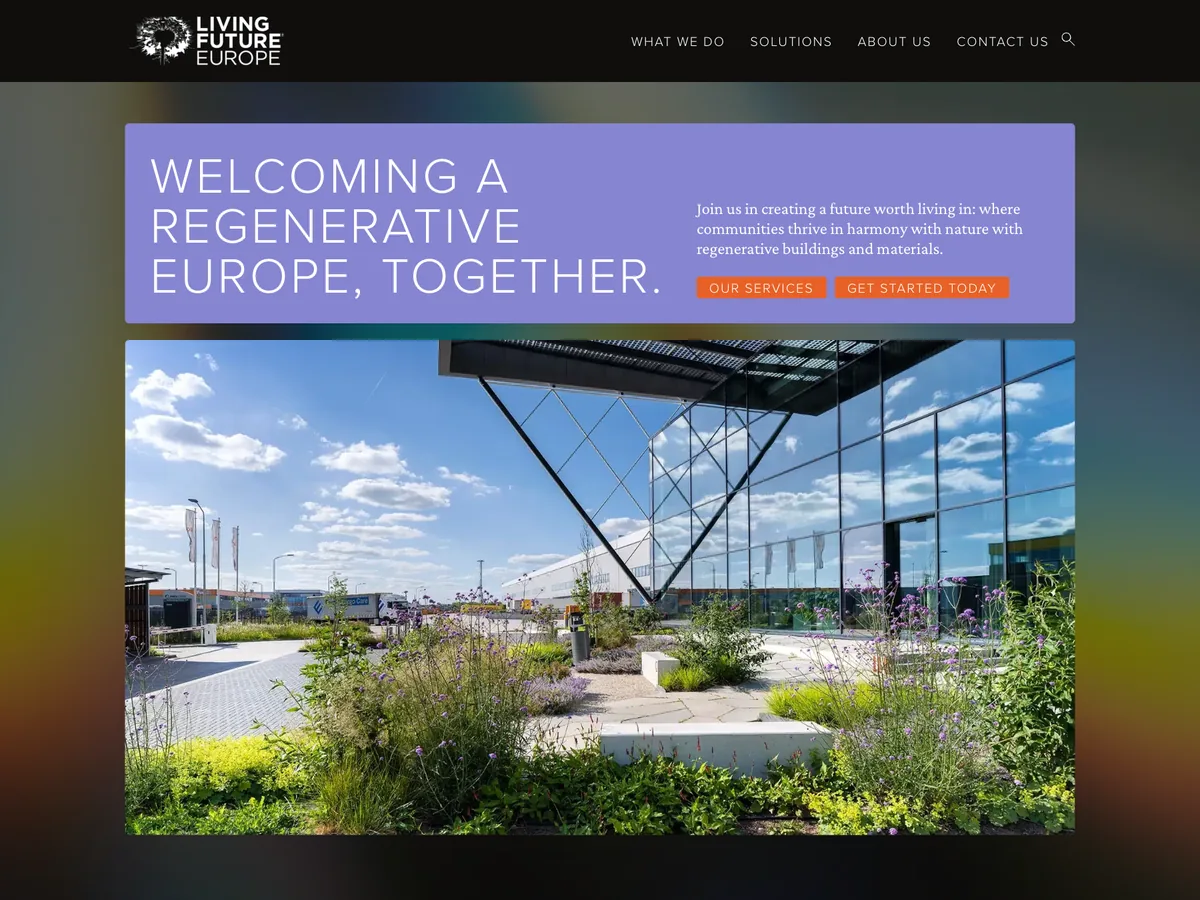
A dated, slow site rebuilt with a clearer structure for events and publications. GTmetrix improved from E to A and Google PageSpeed from 44 to 98.

Rebuild
After we rebuilt the site on WordPress and Elementor, Google PageSpeed rose from 32 to 67 on mobile and from 62 to 99 on desktop.
Cost
It depends on how many templates the site has, which add-ons it relies on and how much you want to rebuild now. Book a free call and we'll tell you what your upgrade involves.
How it works
You upgrade one step at a time, and your site keeps working throughout.
Stage 01
We check versions, add-ons, templates and custom code, and list what v4 affects.
Stage 02
We agree what to upgrade now, what to rebuild and what can wait.
Stage 03
We set up global styles and rebuild the agreed templates with atomic elements.
Stage 04
We test pages, forms and speed, then show your team the new editor.
FAQs
Should I upgrade my site to Elementor v4?
Most Elementor sites should plan to, but not rush. Check your add-ons, templates and custom code first, then upgrade in stages. Sites that rely heavily on third-party add-ons need the most care.
What is Elementor v4?
Elementor v4, also called the atomic editor, is a rebuilt version of the Elementor editor. It uses atomic elements, global classes and variables, and outputs leaner code with one wrapper per element.
Will my existing pages break?
They shouldn't. Pages built with the current widgets can sit alongside new v4 elements. Problems are more likely where add-ons or custom code haven't been updated, which is why we check those first.
Will Elementor v4 make my website faster?
It should. Elementor v4’s atomic elements output leaner code, with one wrapper per element instead of several nested ones. It won't fix slow hosting, heavy images or too many plugins on its own.
Do I need to rebuild my whole site?
No. Most sites upgrade in stages, starting with global styles and the templates used most. Other pages can be rebuilt over time as they're updated.
Will my site go offline during the upgrade?
No. We upgrade in stages, so your site keeps working while each part is updated and checked.
Can I upgrade to Elementor v4 myself?
You can if your site uses few add-ons and no custom code. Test on a staging copy with a recent backup first. Sites that rely on add-ons or custom code are safer upgraded in stages after a full check. Our free Elementor v4 readiness checklist takes you through it step by step.
Can you upgrade a site built with WPBakery or Divi?
Yes, but they need moving to Elementor first. See how we migrate sites to Elementor.
Related pages
Elementor services
Guides
Plan your upgrade
Book a free 30-minute call. We'll check your site's add-ons, templates and code, and tell you what upgrading involves.