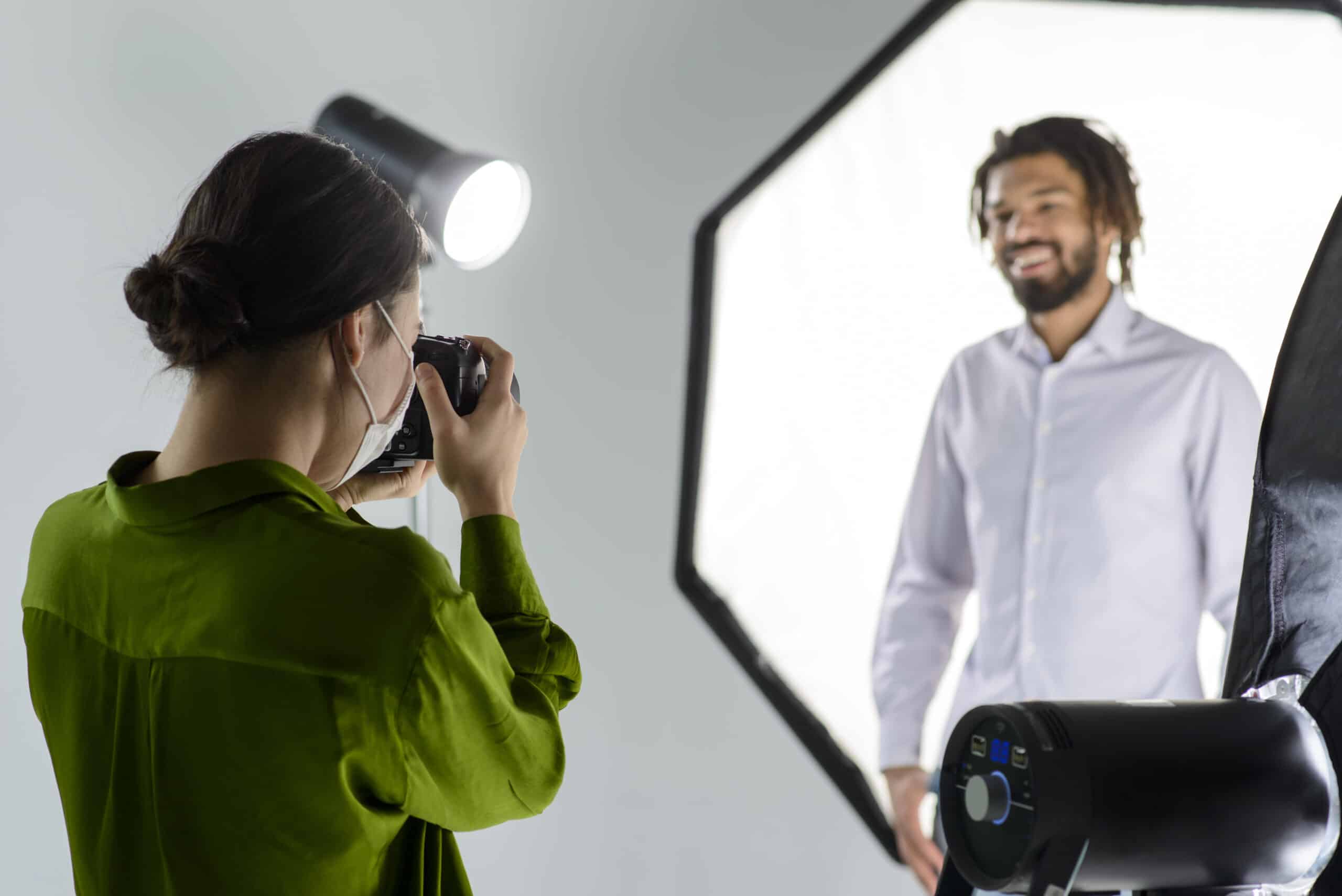
Getting in front of the camera for the first time can feel daunting. With video playing such a vital role in today’s marketing world, you’re excited to jump in – but it’s normal to feel nervous when the spotlight’s on you.
To help ease the jitters, we’ve compiled a guide to looking your best on camera, so you can shine with confidence.

1. Looking Professional
Before we dive into how to act, let’s quickly cover how to look your best. Take a moment to check yourself in the mirror before filming and occasionally during the shoot. Look out for any little things that could be distracting or unprofessional – like toothpaste stains, food on your teeth, or messy eyebrows.
You don’t need to look like a supermodel, but presenting a neat, tidy appearance is key. Aim for authenticity over perfection, and make sure you’re comfortable with your look.
2. What to Wear
Your clothing choice plays a big part in your overall appearance. First and foremost, wear something that makes you feel comfortable. The last thing you want is to be tugging at your sleeves or worrying about your hemline when you’re trying to stay focused on your message.
Avoid stripes or checkered patterns which can make the camera “flicker” or distort your footage. And if you’re using a green screen, steer clear of green clothing unless you want to appear as just a floating head!
3. Be Prepared
Before filming, spend some time getting familiar with your script. You don’t need to memorise every word -doing so may make you sound robotic – but being comfortable with the content will help you stay natural and confident.
Practice reading the script aloud and tweak any phrasing that doesn’t sound like something you’d normally say. This will help you avoid tripping over awkward wording and keep your delivery smooth.
4. Breathe, Blink, and Relax
When you’re nervous, it’s easy to freeze up – holding your breath, forgetting to blink, or rushing through your lines. Take a deep breath, relax, and speak slowly. It’s important to stay calm and let your natural rhythm take over.
Focus on breathing normally to avoid the “nervous energy” that comes across when you’re too tense. A little pause here and there can help, and you’ll feel more in control.

5. Pay Attention to Body Language
How you carry yourself on camera is just as important as how you speak. If you’re tense or uncomfortable, your viewers will notice. Test out sitting or standing to see whichever feels more natural. Move around if you need to, but keep an eye on your posture and gestures.
It’s fine to express yourself with hand gestures, but be mindful not to overdo it. Watch a couple of takes and adjust if necessary – body language speaks volumes.
6. Speak at a Comfortable Pace
When nervous, it’s common to speed up your speech. Slow down and speak at a steady pace to ensure you’re coming across clearly. Some teleprompters allow you to adjust the speed of your script, so use this feature if it helps.
While you want to speak clearly, don’t lose your personality in the process. People connect with authenticity, so make sure to keep your enthusiasm and energy in your delivery.
7. Make Eye Contact
Eye contact is vital for creating a connection with your audience. Even though you can’t see your viewers, looking directly into the camera lens simulates eye contact. Don’t overdo it by staring, but do aim for steady engagement.
If you find it tricky, place a friendly photo just above the camera lens to help make eye contact feel more natural and less intimidating.
8. Keep Essentials Nearby
If you’re nervous, you may experience a dry mouth. Keep a glass of water handy so you can sip between takes and stay hydrated. A dry throat or a cough can break your flow, so stay prepared!
If you’re not using a teleprompter, notecards can serve as a helpful reminder for key points, but don’t rely on them too much. A quick glance will keep you on track.
For any shine or nervous sweat, oil-blotting papers can keep you looking fresh and composed on camera. A few tissues work too in a pinch.
9. Relax and Enjoy the Moment
Finally, try not to get too stressed. Whether it’s your first time on camera or your hundredth, nerves are normal. The beauty of digital filming is that you can always stop and try again. The more you stress, the harder it will be, so take a deep breath, shake off the tension, and enjoy the experience!
Need Help Standing Out Online?
At Nivo, we specialise in online content creation that helps brands connect with their audience and stand out in a crowded digital space. Get in touch with us today to elevate your brand.