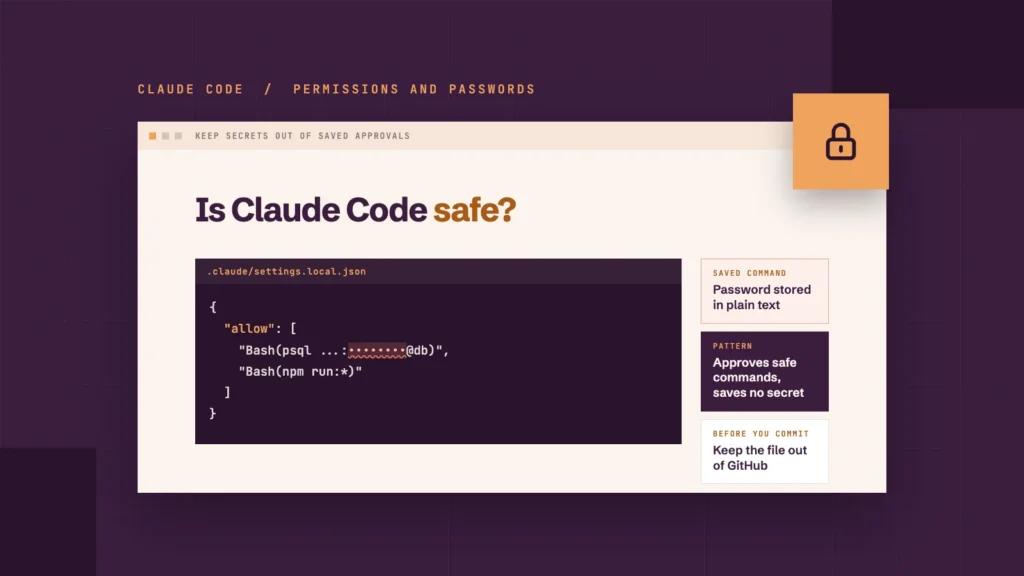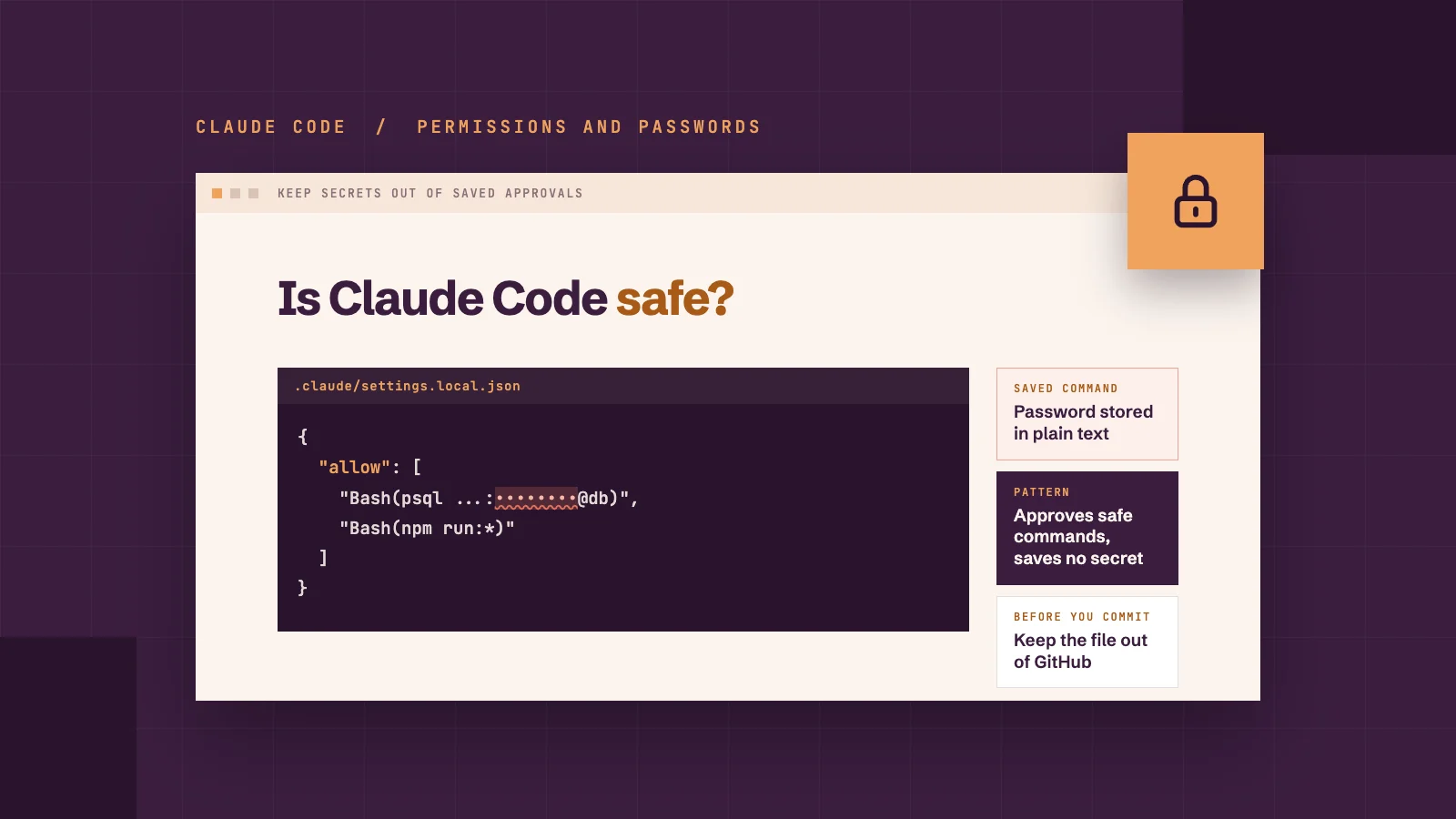
When Claude Code asks permission to run a command, one of the options is "Yes, and don't ask again". It saves you clicking yes every few minutes. On 5 November, security researchers at Apiiro showed what that convenience can cost: passwords and keys saved in plain text, then published to GitHub where anyone can read them.
If someone builds or looks after your website with Claude Code, this matters even if you've never opened it yourself. The passwords at risk are the ones that open your database, your hosting and your payment accounts, so keeping them private is as much a part of WordPress maintenance as updating plugins.
Quick answer
Claude Code can be used safely on a website, but one setting needs care. Choosing "Yes, and don't ask again" can save the exact command, including any password or key typed into it, to a project file. If that file reaches a public repository, anyone can read the password. Keep passwords out of commands, keep the file out of GitHub and check the file's history.
On this page
What Claude Code security issue did researchers find?
Apiiro found more than a thousand public files where Claude Code had saved a real password or key. Its researchers searched public GitHub between 1 and 3 November and published their findings on 5 November.
What Apiiro counted
Number
Public copies of .claude/settings.local.json
104,185, in 103,617 repositories
Copies holding at least one real secret
1,122 (about 1.1%)
Distinct secrets in those copies
1,379
Database passwords among them
379
Organisations affected
63, mostly software companies
All secrets, including older versions of the file, a shared settings file and saved chat logs
2,539, across 1,994 repositories
The secrets included SSH logins for public servers, GitHub and npm tokens, and Amazon Web Services keys. The Hacker News reports that the worst cases included a database company's own admin cloud key and the owner password of a medical-records database.
Apiiro didn't test whether the passwords still worked, so these are exposures, not proven break-ins. One company it contacted confirmed its key had been live.
How does a password end up on GitHub?
It happens in three steps. A password is typed into a command, Claude Code saves that command to a file, and then the file is published on GitHub. Each step looks harmless on its own but could pose a big security risk to your site.
Step 1 · Typed
A password goes into a command
Step 2 · Saved
The command is saved to .claude/settings.local.json
Step 3 · Published
The file is pushed to a public GitHub repository
A password goes into a command. A developer asks Claude Code to check a database connection, and the command it proposes includes the database password.
The command is approved permanently. The developer picks "Yes, and don't ask again". Claude Code's documentation confirms this saves an approval rule to .claude/settings.local.json in the project folder. When the rule records the exact command rather than a pattern, the password is saved with it, in plain text.
The file is committed. The project is pushed to a public GitHub repository, and the settings file goes with it.
Claude Code tries to stop the third step, but it doesn't always work. The first time Claude Code creates the file, it tells git on the developer's own laptop or desktop to ignore it. That only protects that one developer's machine, though. The setting isn't saved in the project, so anyone else who works on it isn't covered, and it does nothing for a file that was already committed. Apiiro traced 1,105 repositories and found a commit with Claude listed as co-author had changed the file in 539 of them.
Apiiro compared 16 AI coding tools and found Claude Code was the only one confirmed to save the full approved command to a project file by default.
Does this affect your website?
It could, if anyone has used Claude Code on your website project. The risk is highest when these apply:
Your website's code is stored on GitHub, especially in a public repository.
Someone typed a password, API key or database login into a Claude Code command.
A project file was copied into a zip file, a shared folder or a package sent to someone else.
A private repository lowers the risk but doesn't remove it. The file still sits in plain text on the developer's computer. In September 2025, a piece of malware called Shai-Hulud scanned infected computers for exactly this kind of password, according to iTnews.
If your website was built without Claude Code, this specific leak doesn't apply. The habits below are still worth having, because other AI coding tools also save approvals and chat logs to files. Keeping WordPress itself up to date matters just as much, as our latest WordPress security alert shows.
What should you do if a password has leaked?
Change the password first and clean up afterwards. Deleting the file doesn't remove the password from older versions in git history, copies other people have made, or from forks of the repository. Here are the steps to follow if a password has leaked:
Search for the files. Look for .claude/settings.local.json and .claude/settings.json in every repository, including its history.
Change every secret they ever held. Rotate each password, token and key, even ones you think are out of date.
Stop tracking the local file. Remove it from git with git rm --cached .claude/settings.local.json and add it to the repository's own .gitignore.
Clean the copy on your computer. Open the file and delete any approval rule that contains a password.
Check what else was saved. Saved chat logs and notes written by AI tools can hold passwords too.
Don't rely on a secret scanner to tell you you're clear. Apiiro ran two popular scanners, Gitleaks and TruffleHog, over the files with a real secret. Gitleaks flagged 564 of the 1,122 files, TruffleHog flagged 643, and 215 got past both. Most of the misses were passwords typed inside commands, which look like ordinary words to a scanner.
1,122 files with a real secret
Gitleaks caught
564
TruffleHog caught
643
Got past both
215
Source: Apiiro, November 2026. Bars show each count out of 1,122 files.
How should you set Claude Code permissions?
Set Claude Code permissions so that approvals cover safe kinds of commands, never a specific password.
Keep passwords out of anything an AI tool might save.
Changing a leaked password fixes the problem once. These habits stop a new one from being saved in the first place. They cover where passwords are kept, how approvals are written, how the settings file is kept out of Git, and how to check what Claude Code has already saved. Whoever builds your website should be doing all five. If you're setting Claude Code up yourself, our Claude Code and Elementor guide covers the setup step by step.
Use variables instead of passwords. Store secrets in a password manager or environment variables and refer to them by name, such as $DB_URL. The saved rule then holds the name, not the password. Typing the password into a command as a variable assignment still puts it in the command, so it has to come from somewhere else.
Approve patterns, not exact commands. A rule like Bash(npm run:*) covers a family of safe commands without recording anything sensitive.
Add the file to every project's .gitignore. That way the protection travels with the project, not just one person's computer.
Treat AI tool folders like password files. Folders such as .claude/, .cursor/ and .gemini/ should be covered by any checks you run before code is committed.
Review what's been approved. Running /permissions in Claude Code lists every saved rule, so you can spot one that holds a password.
Saved command: avoid
{
"permissions": {
"allow": [
"Bash(psql postgres://admin:example-password@db.example.com/shop)"
]
}
}
Pattern: safer
{
"permissions": {
"allow": [
"Bash(npm run:*)"
]
}
}
Anthropic's head of Claude Code, Boris Cherny, said on Hacker News that the team is looking at ways to prevent this, including basic secret scanning, as reported by iTnews. Until there's a specific fix, these habits act as protection.
What should you ask your web developer?
You don't need to understand the code to check that this is handled. Five questions cover it:
Do you use Claude Code or other AI coding tools on our website?
Is our website's code on GitHub, and is the repository public or private?
Have you checked our repositories for .claude/settings.local.json, including their history?
How do you keep passwords and keys out of AI tool commands?
If a password had been exposed, would you change it straight away and tell us?
A developer who works this way should be able to answer in a few minutes. If you get vague answers, ask them to check and come back to you in writing.
So, is Claude Code safe to use?
In our view, yes, as long as the people using it handle passwords properly. The leak didn't come from a hacker tricking the AI. It came from an ordinary approval during normal work, which is why it was so easy to miss.
Nivo Digital uses Claude Code on website projects, and we review and test sites before changes go live. If you'd like help checking how your website is built and looked after, see our website care plans or talk to our team. If you're planning a new website instead, our website cost calculator gives you an estimate to start from.
FAQs
What is the Claude Code "Don't ask again" leak?
When a developer approves a Claude Code command with "Yes, and don't ask again", the exact command can be saved to .claude/settings.local.json. Any password typed into that command is saved in plain text. Apiiro found 1,122 public copies of the file on GitHub holding at least one real secret.
Is .claude/settings.local.json ignored by git?
Partly. The first time Claude Code writes the file, it adds it to the git ignore settings on that computer. That doesn't protect a file that was already committed, and it doesn't travel with the project, so add the file to each repository's own .gitignore too.
Does deleting the file fix the leak?
No. Older versions stay in git history, forks and copies other people have made. Change every password and key the file held first, then remove the file.
Will a secret scanner catch these passwords?
Not reliably. In Apiiro's tests, Gitleaks and TruffleHog together missed 215 of the 1,122 files with a real secret. Scanners look for known key formats, and a password typed inside a command can look like an ordinary word.
Has Anthropic fixed the problem?
Not yet, as of 11 November 2026. Anthropic's head of Claude Code said the team is looking at ways to prevent it, including basic secret scanning.
Is my website at risk if it wasn't built with Claude Code?
Not from this specific leak. Other AI coding tools also save approvals, chat logs and notes to files, so keeping passwords out of commands is worth doing, whichever tool your developer uses.