AI is moving beyond writing website copy and generating ideas. With Elementor MCP, tools such as Claude and Codex can work directly with Elementor, helping designers build pages, refine layouts and create real, editable website structures.
At Nivo, we design Elementor websites daily and used this tech to rebuild our own site. When Elementor hosted a webinar demonstrating AI-assisted website redesigns, we evaluated what it means for our clients and workflow.
The live session featured a redesigned counselling website, new Elementor building tools, and a strategy for client proposals. The key insight wasn't just build speed, but how that efficiency frees an agency to focus on strategy and design value.
Here is what we learned, what we are testing at Nivo, and where human expertise remains essential.
Quick answer: What does Elementor MCP mean for website design?
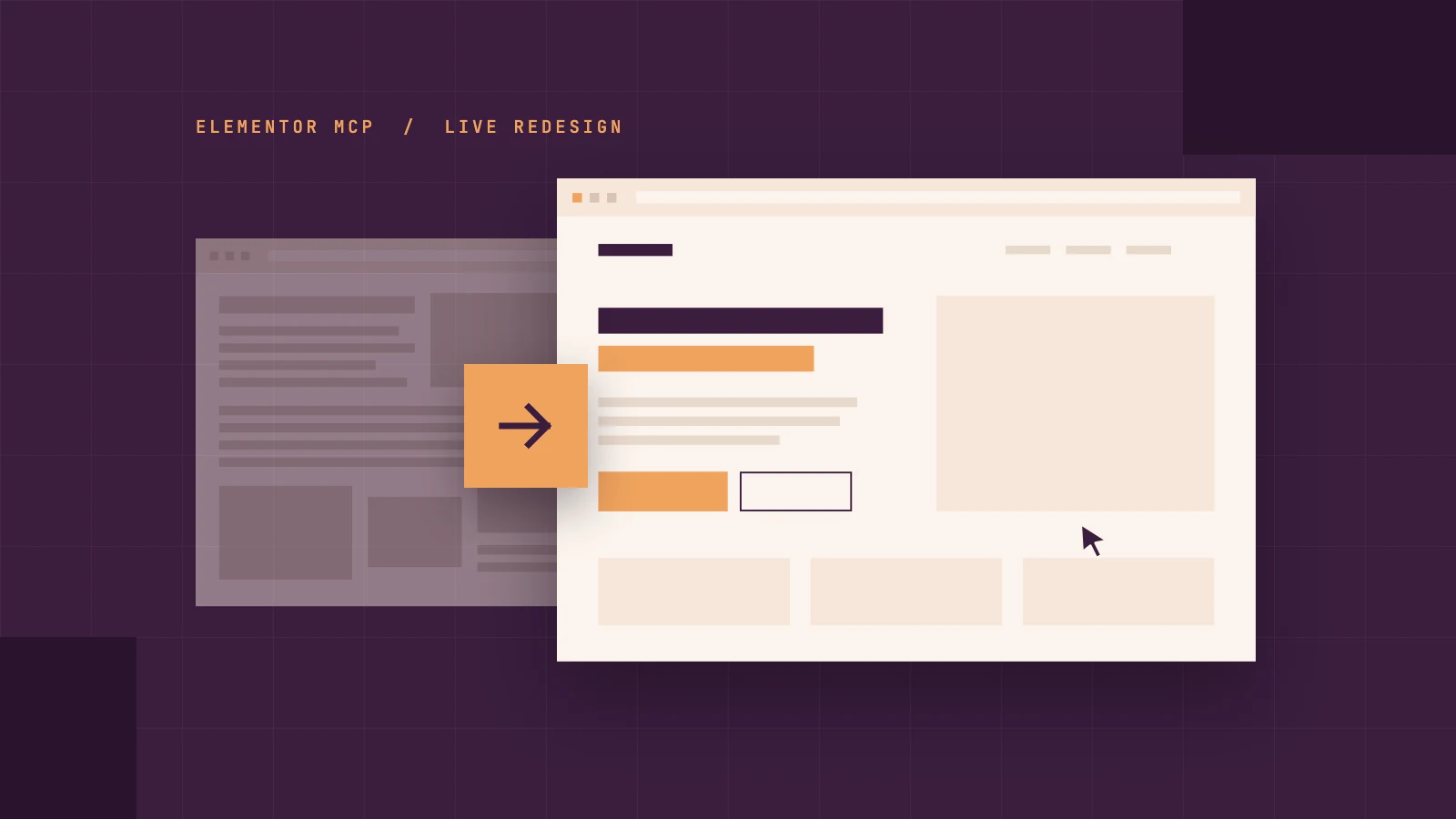
Elementor MCP (Model Context Protocol) connects AI tools directly to Elementor. Instead of writing isolated code, the AI creates and modifies editable layouts, applies styling, and builds responsive native Elementor structures.
This speeds up updates for outdated WordPress sites. However, AI does not replace design strategy, technical expertise, accessibility, SEO, or testing.
At Nivo, we use Elementor MCP to automate repetitive development and spend more time on high-value decisions.
What is Elementor MCP?
Model Context Protocol (MCP) enables AI assistants to interface directly with external software.
Elementor MCP lets AI build layouts and style elements using native Elementor tools. Instead of developers translating AI code manually, the AI creates structures directly inside the Elementor editor.
Elementor's official introduction to MCP explains the technology and its intended role in the website-building process. Its guide to connecting an AI tool to Elementor using MCP also outlines how compatible tools can be connected.
For an Elementor agency, this keeps development inside the client's familiar WordPress system while leveraging modern AI speed.
Claude vs. Codex
The webinar showed Elementor MCP paired with Claude and Codex. MCP also supports tools like Cursor, giving developers flexibility based on their workflow.
The workflow isn't tied to a single AI tool. Elementor MCP supports compatible tools including Claude, Codex and Cursor, so the choice can depend on the task, the developer's workflow and the tools they already use.
At Nivo, we used Claude to rebuild our own website. The webinar wasn't a head-to-head comparison of Claude and Codex, so we're not claiming that one is inherently better than the other. What matters to us is how effectively the chosen tool works with Elementor and how well the resulting website meets the brief.
What the webinar demonstrated
The most tangible example was a redesign of Yellow Rose Counselling, a counselling and psychotherapy business whose website had originally been built by Imran around six years earlier.
Over time, client edits created visual clutter: heavy text blocks, inconsistent layouts, oversized images, and bad header placement. Using Elementor MCP and Codex, Imran demonstrated how he could modernise the website's appearance and structure.
The new design used softer colours, more considered spacing, clearer content and a calmer visual style that better suited the nature of the business. The objective wasn't simply to make the website look more contemporary. It was to create a more appropriate experience for people looking for counselling and psychotherapy services.
According to the timings shared during the webinar, the homepage took approximately six to seven minutes to rebuild, with the Services and About pages taking around another six minutes. That put the three-page demonstration at roughly 12–13 minutes, well within the reported estimate of 10–15 minutes overall.
While impressive, this speed reflects page construction only, not a full client project with testing and strategy. Even during the demo, manual prompt adjustments were needed to fix cropped images and layout errors. This proves AI capabilities while highlighting the need for professional human oversight.
Watch the full Elementor webinar on YouTube to evaluate the demonstration yourself.
Key takeaways from the live redesign
Existing websites can be a starting point, not a limitation
One of the most useful aspects of the demo was that it began with an established website rather than a blank canvas.
Many businesses don't need to start again because their website is fundamentally wrong. They may have useful content, a recognisable brand and a working WordPress setup, but the design has aged, the layout has become inconsistent, or the experience no longer reflects the quality of the business.
AI-assisted development could make it easier to explore a redesign while retaining the useful foundations of an existing site.
There is an important technical distinction here, though. The Yellow Rose Counselling website was built using Elementor's older sections-and-columns structure. Imran demonstrated redesigning its pages using newer Elementor V4 atomic elements, containers and classes; he did not demonstrate directly editing the old sections-and-columns layouts in place.
In other words, the demonstration showed how an older website could be modernised using newer Elementor building tools, not that every legacy layout can be converted automatically without rebuilding. Elementor's official MCP documentation provides further information about the current workflow and its capabilities.
For Nivo, that's a reason to assess the existing site before recommending a route forward. The right approach depends on the website's structure, its add-ons, the functionality it relies on and what the client actually needs.
Design must serve business goals
Effective design requires context. A counselling site demands trust and calm visuals, whereas commercial brands need conversion focus and technical authority.
AI can help translate a clear brief into design decisions, including colour, spacing, imagery and content hierarchy. It can also use an existing website and visual references to understand the direction a designer wants to explore.
But the quality of those decisions still depends on the information and judgement guiding them. Without a clear understanding of the audience, the brand and the website's purpose, a technically competent layout can still be the wrong design.
Output remains fully client-editable
Sites built via Elementor MCP produce standard Elementor containers and widgets. Clients can update text and media directly without needing AI tools.
When we create a website for a client, we want them to be able to manage their content without needing to understand the AI workflow used during development.
Elementor MCP is designed to create native Elementor structures that can be opened and edited in the Elementor interface. This means the development process can involve AI without leaving clients with a separate website they can't maintain themselves.
Clients can therefore continue making ordinary content updates through Elementor, such as changing text and images, without needing to use Claude or Codex themselves.
This matches our core approach to Elementor website design at Nivo: modern development should simplify client maintenance.
Five opportunities we're exploring at Nivo
We are testing several practical workflows from the webinar across our agency projects:
Making better use of Elementor V4 classes and styling
One detail that caught our attention was how MCP created and applied Elementor V4 classes during the demonstration, without Imran needing to explicitly request every part of that setup.
Elementor V4's newer building approach provides tools for creating reusable styling rules and more consistent layouts. Used well, this can make a website easier to maintain because common design decisions can be managed centrally rather than adjusted separately on every page.
We want to experiment further with how Claude can help us establish and apply these classes across a project. Elementor's guide to classes explains how they can be used to apply consistent styling.
The aim isn't to automate design decisions for the sake of it. It's to create a more consistent foundation, reduce repetitive setup and make subsequent changes easier to manage.
Building from screenshots and wireframes
Feeding AI visual references, wireframes, and mockups allows it to construct accurate Elementor layouts faster than text prompts alone.
A designer might know exactly how a section should feel, where an image should sit or how a particular layout should work, yet translating that into written instructions can take time.
The webinar reinforced the potential of providing AI with more visual context. Screenshots, wireframes, product images and other references could help us communicate a design direction more precisely before asking Claude to build it in Elementor.
This is an area we'd like to explore further on future projects. We'd still need to check how faithfully the reference has been interpreted, whether the layout works on different screen sizes and whether the finished design fits the client's brand.
Reviewing Elementor add-on plugins
Could AI-assisted development help us reduce the number of additional plugins a website needs? Potentially, yes.
During the webinar, Imran explained that he could use MCP to create widgets, snippets and functionality that would previously have taken considerably longer to develop. However, the session did not demonstrate removing specific plugins, so we wouldn't claim that any particular add-on can now be replaced across the board.
Some of the functionality provided by these plugins may be achievable using native Elementor elements or carefully developed custom functionality. But each case needs to be assessed individually.
A simple widget and a sophisticated filtering system are very different technical requirements. Before removing an add-on, we'd need to establish what the website actually uses, recreate the necessary functionality where appropriate, and test that everything continues to work.
The potential benefits are worth investigating: fewer dependencies to maintain, fewer opportunities for plugin conflicts and possibly a lighter website. However, removing plugins does not automatically make a website faster. Performance depends on the functionality being used, the code it produces, the assets loaded and the wider website setup.
Interactive Working Proposals for Clients
This was Sadie's standout takeaway from the webinar. Rather than sending static PDFs, agencies can generate live, working URL prototypes in minutes to give prospects a realistic preview of their redesigned site.
For us, this is an exciting possibility because it changes the conversation. Rather than asking a business owner to imagine what a redesign might look like, we could potentially give them something tangible to respond to.
There would still be important boundaries, though. A concept would need to be clearly presented as a proposal, not a finished or approved website. We'd also need to consider the accuracy of the content, use of brand assets, appropriate handling of publicly available information and the technical work required to turn the concept into a launch-ready site.
Rapid experimentation with complex designs
One final opportunity is the ability to automate basic layout construction, giving teams more time to prototype advanced features, test user flows, and refine intricate designs.
If repetitive page construction becomes quicker, designers are able to explore more complex layouts, test different approaches and spend longer refining the parts of a website that matter most.
That could expand the range of projects an agency can consider, but it doesn't mean every project is suddenly straightforward or technically feasible.
Integrations, bespoke functionality, data structures, accessibility, security and performance all need to be considered. The right question isn't whether AI can generate something that looks plausible. It's whether the proposed solution can be built properly, maintained reliably and delivered within the project's requirements.
For us, that is where Elementor expertise becomes more important, not less.
What AI still cannot replace
AI speed handles initial page generation, but launch-ready websites still require human refinement across several critical areas:
UX & Design Judgment
AI can generate layouts quickly, but speed doesn't guarantee that a design is right for the audience.
We still need to consider how visitors move through a page, whether the content answers their questions, whether the calls to action are clear and whether the design reflects the brand. These decisions require an understanding of the business and the people using the website.
Responsive testing
A layout that looks good on a desktop can behave differently on a tablet or phone. Images may crop awkwardly, headings may wrap badly, and buttons may become difficult to use.
Although MCP can help create responsive layouts, every page still needs to be checked across relevant screen sizes. The image-cropping issue in the webinar is a simple example of why visual review matters.
Content, SEO and accessibility
A redesign needs to do more than look better. The website's content must be accurate, useful and structured around what visitors need to know.
SEO also needs to be considered throughout the project, including page titles, headings, internal links, URLs and redirects where relevant. Accessibility requires its own checks, from readable contrast and keyboard navigation to meaningful link labels and appropriate form behaviour.
AI can assist with parts of this work, but we wouldn't assume that a generated page is automatically accessible, search-optimised or ready to convert visitors into customers.
For businesses looking to improve both their website and their visibility in search, Nivo's SEO services can help connect website structure and content with wider search objectives.
Functionality and technical quality assurance
Forms, API integrations, and custom logic require thorough manual quality checks. Read our full case study on rebuilding Nivo's site with Claude and MCP.
In our own rebuild, we found that AI can make the initial implementation much quicker, but there was still a back-and-forth process of inspecting the result, identifying issues and requesting adjustments. Sometimes a quick manual edit in Elementor is the most effective solution.
This is why our approach is to use AI as part of the development process, not as a substitute for it. We direct the work, inspect the result and decide when a page is ready to move forward.
You can read more about that process in our behind-the-scenes account of rebuilding the Nivo website with Elementor MCP and Claude.
Which businesses could benefit most from AI-assisted Elementor design?
Based on the webinar and what we learned through our own rebuild, we see particular potential for businesses with older WordPress or Elementor websites.
If your website has become visually dated but still contains useful content and serves an important role in your business, an AI-assisted redesign could offer another way to approach improvements.
It may be particularly relevant if:
Your website looks older than your business. Your services and brand have evolved, but your website hasn't kept pace.
Your pages have become inconsistent. Changes made over several years have left you with uneven layouts, styling and content structure.
You want a more manageable website. You need a clearer design system and a site your team can continue editing through Elementor.
Your current setup has become unnecessarily complicated. You want to review add-ons, redundant functionality and opportunities to simplify maintenance.
You have a more ambitious redesign in mind. You want to explore new layouts or features while understanding the practical requirements before committing to a build.
That doesn't mean every business should rebuild its website or adopt AI-assisted development. Some sites may only need targeted improvements; others may require a more substantial rebuild because of their technical setup or business requirements.
An initial review is the best way to establish which approach makes sense.
What this means for your website
Our biggest takeaway from the webinar is that AI is changing how Elementor websites can be built, but it isn't changing what makes a good website.
The opportunity lies in reducing the repetitive work involved in creating pages, applying styles and refining layouts. That can give an experienced agency more room to concentrate on design quality, usability, content and the technical details that make a website work properly.
For a business with an outdated website, that could mean more opportunities to explore a redesign without assuming that every stage has to be approached in the traditional way. For Nivo, it gives us another set of tools to help deliver the websites we specialise in, while continuing to apply the experience and judgement our clients rely on.
We're still learning, testing and refining our workflow. We won't claim that AI makes every project faster, that every plugin can be removed or that a finished website can be produced without careful review. What we can do is evaluate where the technology genuinely helps and use it where it improves the process and the result.
That is the approach we're taking as an Elementor design agency: practical experimentation, honest assessment and a focus on the finished website rather than the novelty of the tools used to build it.
See what a new website could look like
If your WordPress or Elementor website is overdue for an update, we can help you assess whether a targeted refresh, a more substantial redesign or a move towards newer Elementor building tools is the right option.
At Nivo, we combine specialist Elementor design and development with a practical understanding of what makes a website useful, manageable and effective for your business.
Talk to Nivo about your website, and we'll help you work out where to start.
Book a Discovery Call →Frequently asked questions
What is Elementor MCP?
Elementor MCP (Model Context Protocol) connects compatible AI tools, such as Claude, Codex and Cursor, to Elementor. It allows them to interact with the website and help create or modify editable Elementor structures rather than simply generating standalone code.
Can Claude build a website in Elementor?
Yes. Claude can build layouts and apply styles via MCP, though outputs still require professional review and testing.
Is Elementor MCP better than Codex?
The webinar demonstrated Claude as a connection option and Codex during the live redesign, but it did not establish that one tool is better than the other. Both are among the AI tools compatible with Elementor MCP. The most suitable choice depends on the developer's workflow and the requirements of the project.
Can Elementor MCP redesign an older website?
Yes, it can help modernise existing websites, but the approach depends on how the original site was built. In the webinar, an older Elementor website using sections and columns was redesigned using newer Elementor V4 building elements. The demonstration did not show direct editing of the legacy layouts themselves, so an assessment is needed before deciding how to approach an older site.
Will clients still be able to edit their websites?
Yes. Outputs are standard Elementor elements managed through the native editor without needing AI tools.
Can Elementor MCP replace Elementor add-on plugins?
Potentially, for some functionality. Certain widgets or features may be recreated using native Elementor elements or custom development, but this depends on what each plugin does. Advanced features, integrations and filtering systems need to be assessed and tested before an add-on can safely be removed.
Does using AI mean a website can be built in minutes?
Individual pages or sections may be created very quickly, as the webinar demonstrated. A complete website project also involves planning, content, design refinement, responsive testing, functionality checks, SEO and launch preparation. The time needed depends on the size and complexity of the project.
Will AI make Elementor websites faster?
Not automatically. AI may help reduce unnecessary complexity or replace some add-on functionality, but website speed also depends on hosting, images, scripts, plugins, code and other technical factors. Performance should be measured rather than assumed.
Should I redesign my existing Elementor website or start again?
That depends on the condition of your current website, its technical foundations and what you want to achieve. If the content and underlying structure remain useful, a targeted redesign may be appropriate. If the site has significant technical limitations or no longer supports your business, a more substantial rebuild may make better sense. An experienced Elementor agency can help you weigh up the options.